IT Systems Integration
We connect the systems your program already uses.
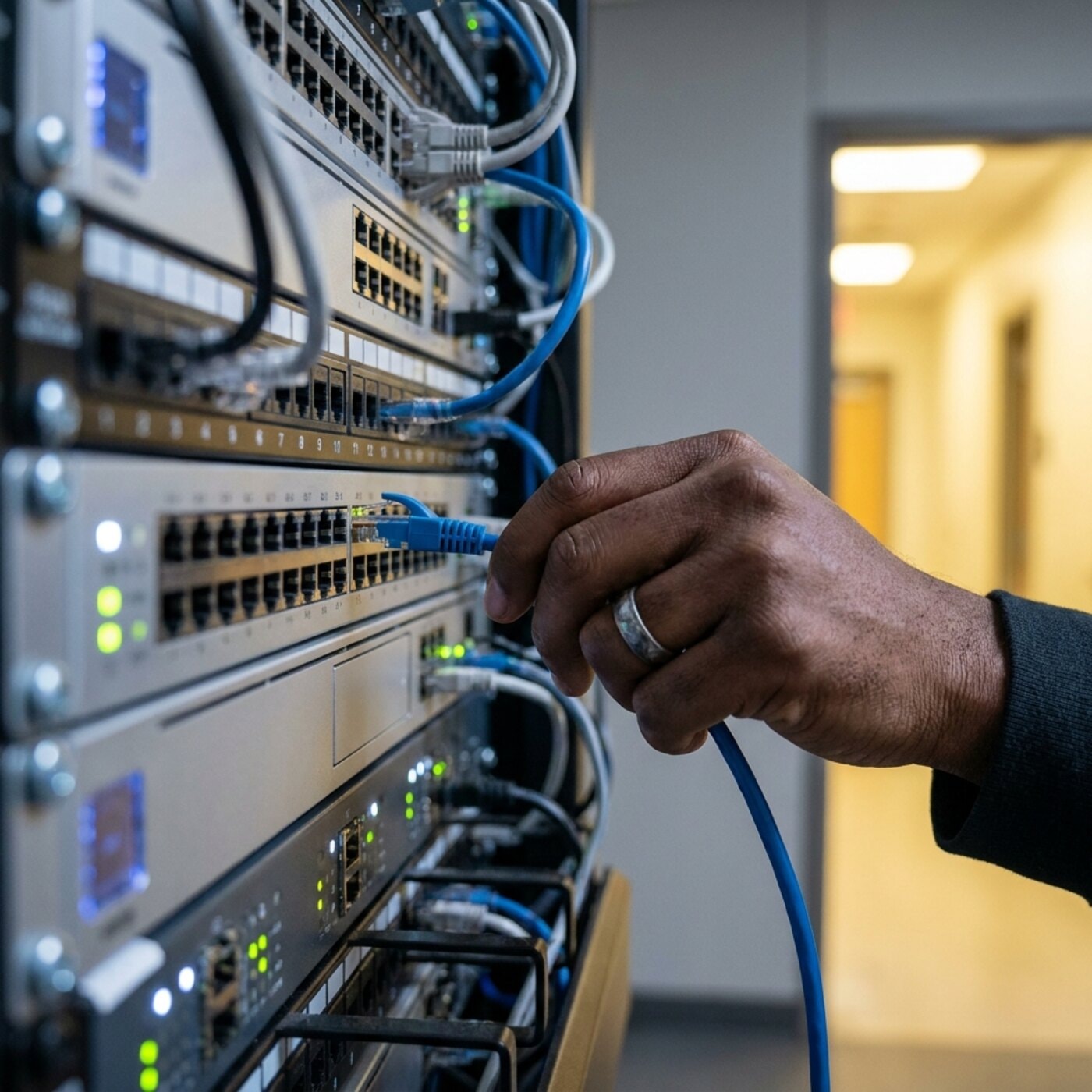
Public programs often run on several separate tools: a scheduling app, a billing export, a state portal that accepts only one file format.
We connect them so information is entered once and reaches every place it is needed, with an audit trail at each step. The aim is less double entry, fewer transcription errors, and reports that are generated automatically, without adding a larger platform.
We run the same kind of data flows in our own programs.
Every week, our own service-delivery work moves referrals, schedules, session records, and invoices between tools that were not designed to work together. We build integrations with that experience, so they hold up at a reporting deadline as well as in day-to-day use.
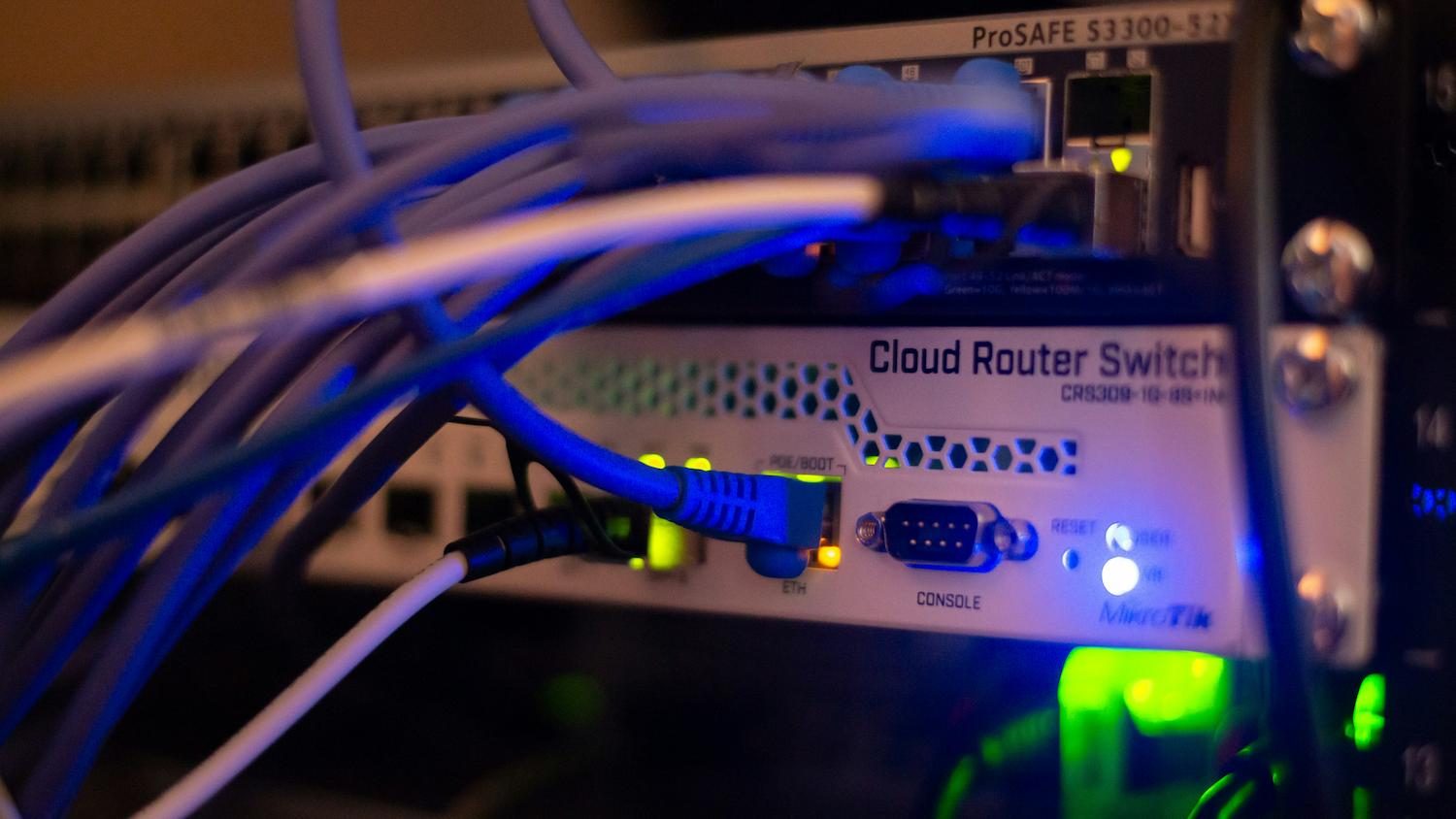
Integration scoped to how your work moves today
We start by mapping how information moves now, including undocumented spreadsheets and workarounds, then build the fewest connections needed to remove the manual steps.
- Workflow and data-flow mapping across existing systems
- An inventory of the systems in play and the path information takes between them, including the undocumented spreadsheets and workarounds, shows where manual steps can go.
- System-to-system interfaces and custom API connections
- Where a system exposes an API we use it, and where it does not we build a validated import and export bridge and document how it works.
- Legacy-platform modernization and database consolidation
- Older systems are extended or connected where that works, and replaced only when they are unsafe, unsupported or cheaper to retire than to keep.
- Data migration with validation and reconciliation
- Records are moved and checked against the source, and the old path stays live in parallel until the new one has worked correctly on the program's own data.
- Documentation and staff handover so the integration is maintainable
- Written documentation, admin access and training transfer to your team at the end, so the connections can be run and changed without calling us.
Who it’s for
- State & city agencies
- School districts & CBOs
- Program operations teams
- Multi-vendor environments
How an integration project works
Pick any part of the sentence to see the detail.
We inventory the systems in play, document how data moves between them, and identify the integration points that remove the most manual work.
The first deliverable is a working interface that removes one specific problem, such as double entry or an export staff cannot rely on.
Migrations run with reconciliation and in parallel with the old path, which stays live until the new connection works correctly on the program's own records.
Documentation, admin access, and training transfer to your team, so your team can run it without us.
Common questions
Can you work with the systems we already have?
Yes, and that is usually the assignment. Most engagements integrate or extend existing tools rather than replace them. We start by inventorying what you have, what it costs, and what it does. We recommend replacement only as a last resort, for systems that are unsafe, unsupported, or cheaper to retire.
How do you avoid disrupting the program during integration?
Phased rollouts with parallel operation and rollback plans, scheduled around your program calendar. The existing path stays live until the new connection has proven itself on real work, and we never schedule a cutover near a reporting deadline or the start of a school year.
What kinds of systems can you connect?
Modern SaaS tools, older client-server and database systems, government portals with fixed file formats, and off-the-shelf platforms. Where a system exposes an API we use it; where it does not, we build a validated import/export bridge and document how it works.
How do you handle sensitive data during migration?
Data sensitivity is a design input. Systems that touch student records are handled with FERPA obligations in mind, and anything carrying health-related information is handled with HIPAA-aware safeguards: role-based access, logging, and a documented data-handling trail your team can show an auditor without us in the room.
Still have a question? Call (718) 540-8268, or see the technology solutions overview.
If staff key the same record into three systems every week
- The one person who understands how the old system works is close to retiring.
- The New York City Comptroller has flagged this risk in the city's own financial systems: knowledge of legacy platforms held by staff who are eligible to retire. Get the data flows written down while that person is there. Mapping how information moves is our first step, and the documentation stays with you.
- Every vendor says they integrate, then we end up exporting to a spreadsheet anyway.
- Ask each vendor one question: is there a documented interface, or only a file export. Where a system exposes an API we use it; where it does not, we build a validated import and export bridge and document how it works. Describe the export nobody trusts on a call and we can say which case it is.
- I can't risk a cutover breaking something the week a state report is due.
- Then there should not be a single cutover. The safer pattern is one connection at a time, run in parallel with the existing path until the numbers reconcile on your own records, with a rollback plan. We schedule around your program calendar and keep cutovers away from reporting deadlines.
- The systems involved and who supports each one
- The manual step that hurts most, such as a weekly export
- Portals and report formats you submit to, with deadlines
- Current vendor contracts and what data access they allow
- Who owns the data and who signs off on changes
You can call without all of these. We will work out the rest with you.
More in Technology Solutions
Tell us which systems need to connect.
Describe the double entry, the export that takes a week, or the portal your staff work around.
Explore other services
All services
Cloud Migration & Infrastructure

Custom Software Solutions

Security & Compliance Support

Specialized Government Recruitment

Temporary & Permanent Staffing

Workforce Strategy Consulting

Professional Development & Training

Family Support & Case Management

Housing & Homelessness Prevention

Mental Health & Behavioral Services

Youth Development & Mentorship

Compliance Monitoring & Reporting