Cloud Migration & Infrastructure
We move aging systems to the cloud in phases.
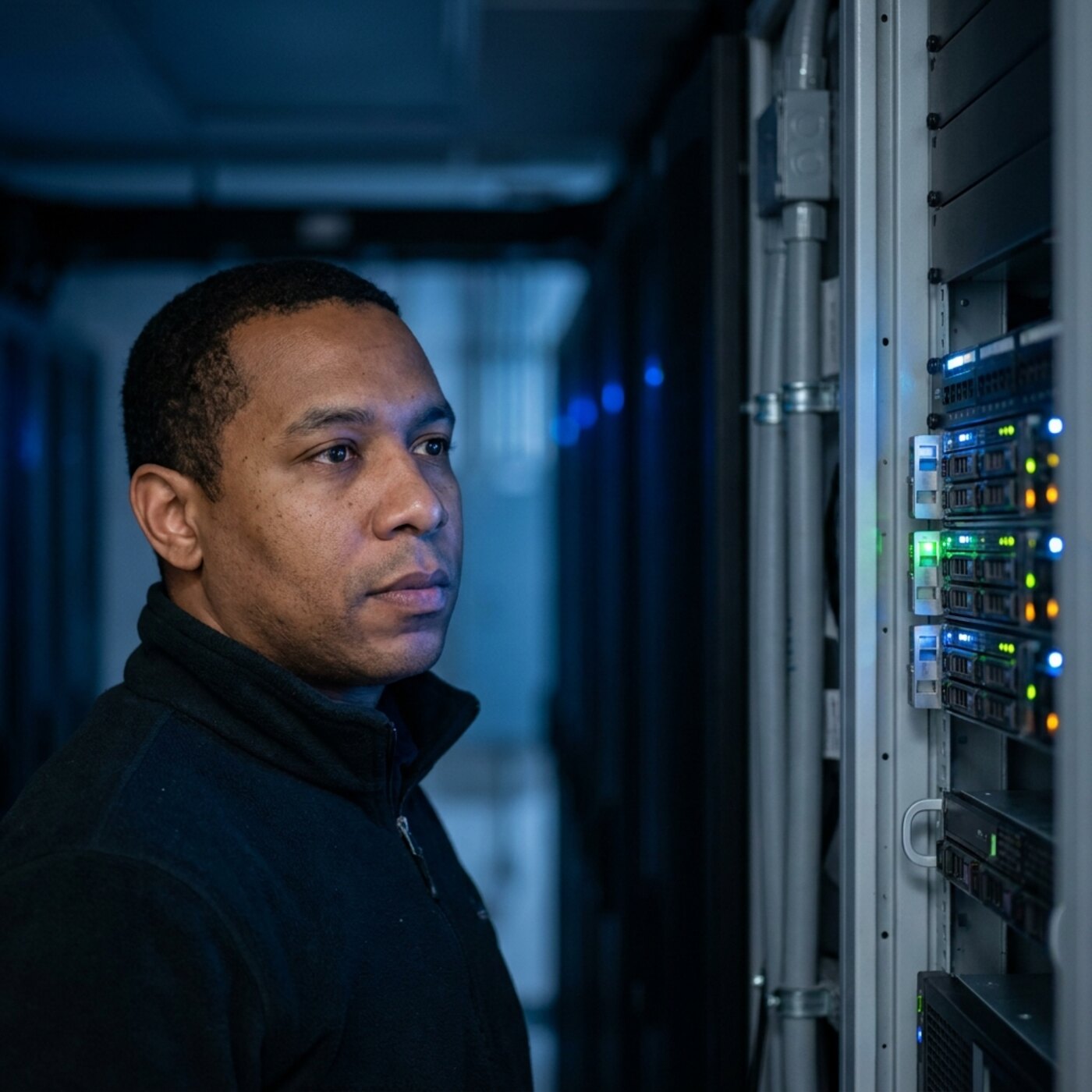
Moving a public program to the cloud takes more than a weekend, and it does not require rebuilding everything. We inventory the current systems first, migrate in phases that keep the program running, then decommission old systems with records preserved.
Cost visibility and access control are designed in from day one, before the first bill arrives. The starting point might be a file server in a back office, an old database with no documented login, or a set of spreadsheets used in place of a system. In each case we document how it works before we change it.
We move only what needs to move.
We start from what is failing, missing, or costing too much: hardware near the end of its life, access staff do not have, costs that keep rising. We move only the systems those problems involve. The aim is that by the end of the engagement you pay only for what you use, can explain every line of the bill, and your own team can run the new environment without calling us.
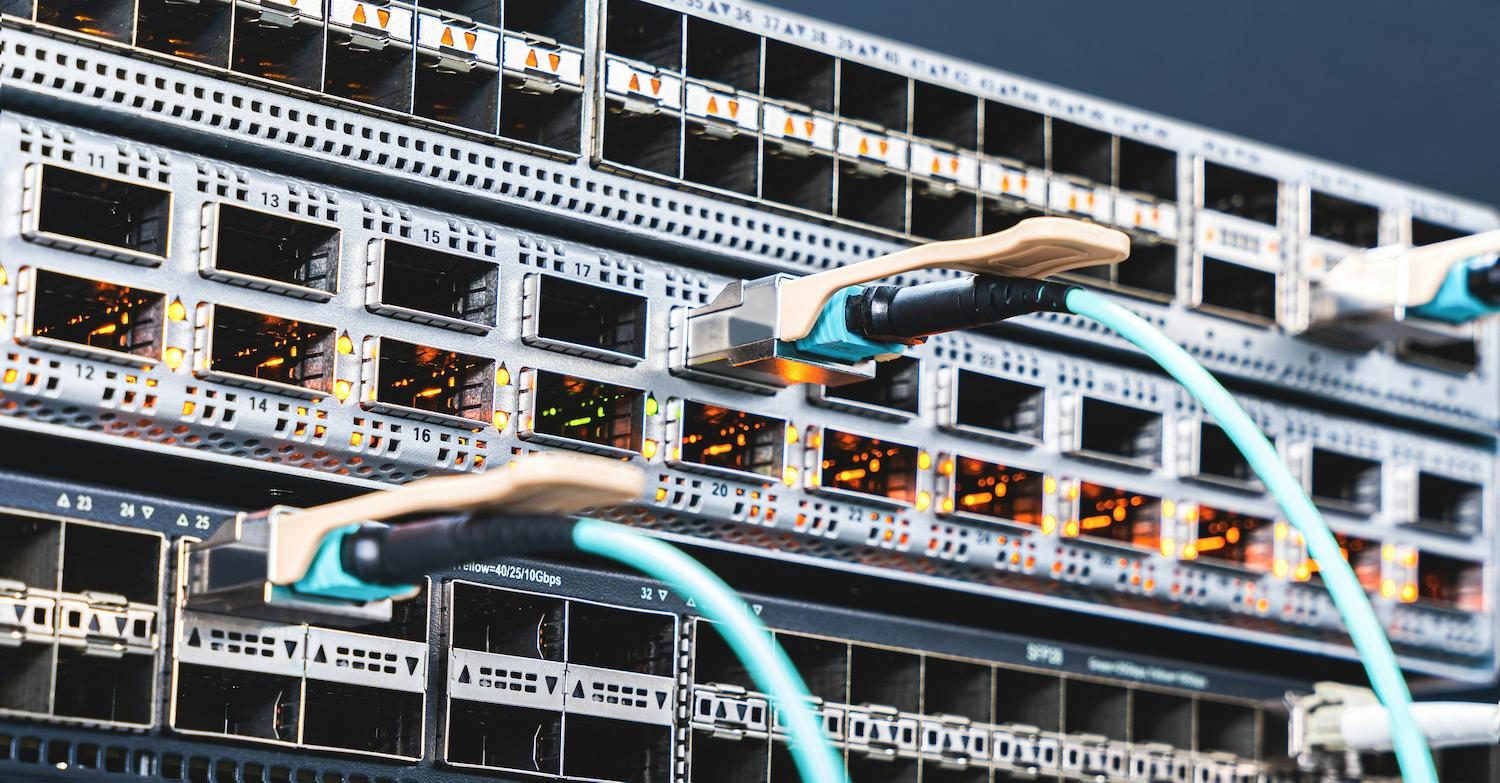
A migration that keeps the program running throughout
We size the new environment to what the program uses, plan the cutover around your calendar, and build backup and recovery in from the start. Throughout, we coordinate with the IT vendors or internal staff who already support the environment and keep them informed of each step.
- Current-state inventory and cloud-readiness review
- A catalog of what is running, what it costs and what it depends on, so the plan is based on your current systems and moves only what needs to move.
- Phased migration roadmap with rollback plans
- Workloads move in stages scheduled around the program calendar, and each stage has a documented way back while the old system stays live in parallel.
- Access control, encryption, and backup design
- Who can reach what, how data is protected and how it is backed up are decided and built as the migration happens rather than added afterward.
- Right-sized hosting with cost visibility, reviewed quarterly
- Hosting is sized to measured usage rather than estimated peak demand, and the spend is reviewed every quarter so your team can explain each line of the bill.
- Disaster-recovery and business-continuity planning
- The plan sets out how systems and records are restored after a failure and how the program keeps operating in the meantime, built in from the start.
- Coordination with existing IT vendors and internal staff throughout
- Whoever already supports the environment is kept informed of each phase and cutover date, so no vendor or staff member is caught off guard.
- Staff training on the new environment before go-live
- Staff are trained on the new environment while the old one is still available, so everyone has used it before the cutover.
Who it’s for
- Programs on aging on-prem systems
- Agencies planning remote access
- Teams facing hardware end-of-life
- Budget-constrained operations
- Programs consolidating multiple sites
- Grant-funded technology upgrades
Inventory first, phased cutover, records preserved
Pick any part of the sentence to see the detail.
We catalog what is running, what it costs, and what it depends on, so the migration plan reflects the systems as they are.
Workloads move in stages with parallel operation and a rollback path for each, scheduled around the program calendar and away from reporting deadlines.
Access control, backups, and recovery are built as the migration happens, including cost controls so the monthly bill stays visible and right-sized.
Staff walk through the new environment while the old one is still running, so cutover day is not the first time they use it.
Old systems are retired only after the new one has proven itself, with records preserved and the archive documented for retention obligations.
Common questions
How do you minimize downtime during a migration?
Phased cutovers with parallel operation and rollback plans. Workloads move in stages, the old system stays live until the new one is proven on real data, and staff are trained on the new system before go-live. We schedule the work around your calendar.
Will moving to the cloud cost more?
Not if it is right-sized. A common reason cloud bills climb is provisioning for a peak that never arrives. We inventory actual usage first, size the hosting to it, build in cost visibility, and review the spend quarterly so it stays in line with use.
What happens to our records and data retention obligations?
Records are preserved through the migration and the decommissioning. Before any old system is retired, its data is migrated with validation and the archive is documented, so retention requirements are met and the trail is clear.
Do we have to move everything at once?
No, and usually you shouldn't. Hybrid arrangements, where some systems stay put while others move, are common and often the right answer. We move what benefits from moving and leave the rest alone.
What happens to the old hardware after we've migrated?
That is part of the decommissioning plan. We help you plan secure data wiping or destruction for anything retired, document what was removed and when, and flag whether equipment has any resale or recycling value, so retired hardware is not left in storage unmanaged.
Can a migration happen during an active program cycle, like a school year?
It can, with the right sequencing. We plan cutovers around your calendar (avoiding the start of a school year, a reporting deadline, or another crunch point) and keep the old system live in parallel until the new one is proven, so an active cycle doesn't have to pause for the migration.
Still have a question? Call (718) 540-8268, or see the technology solutions overview.
If your server is past end of support
- We were told cloud would be cheaper, and I can't see how the bill stays predictable.
- Bills usually climb for two reasons: capacity sized for a peak that never comes, and systems moved as-is that were never built for cloud hosting. Inventory current usage first, then decide workload by workload. We size hosting to what the program uses and review the spend with you quarterly.
- Nobody here can say what is running on that server or what depends on it.
- That is the normal starting point, and it is the reason a migration should open with an inventory instead of a quote. We catalog what is running, what it costs and what it depends on before anything moves. A short call is enough to tell you how large that inventory is likely to be.
- If we switch the old system off, I have no idea what happens to our retention duties.
- Retention follows the record, not the hardware, so the schedule your organization adopted still applies after the move. Old systems should be retired only once their data is migrated with validation and the archive is documented. We plan decommissioning as its own phase, with records preserved.
- What is aging: servers, file shares, databases, and their age
- Who supports it today, in-house staff or an outside IT vendor
- The date driving this: end of support, lease end, grant period
- Calendar crunch points a cutover has to avoid
- The budget line or procurement vehicle you expect to use
You can call without all of these. We will work out the rest with you.
More in Technology Solutions
Tell us which systems are aging.
List the hardware and software nearing end of life, and the work that cannot be interrupted.
Explore other services
All services
IT Systems Integration

Custom Software Solutions

Security & Compliance Support

Specialized Government Recruitment

Temporary & Permanent Staffing

Workforce Strategy Consulting
Professional Development & Training
Family Support & Case Management

Housing & Homelessness Prevention

Mental Health & Behavioral Services

Youth Development & Mentorship

Compliance Monitoring & Reporting