Process Optimization & Automation
We automate repetitive work in public programs.
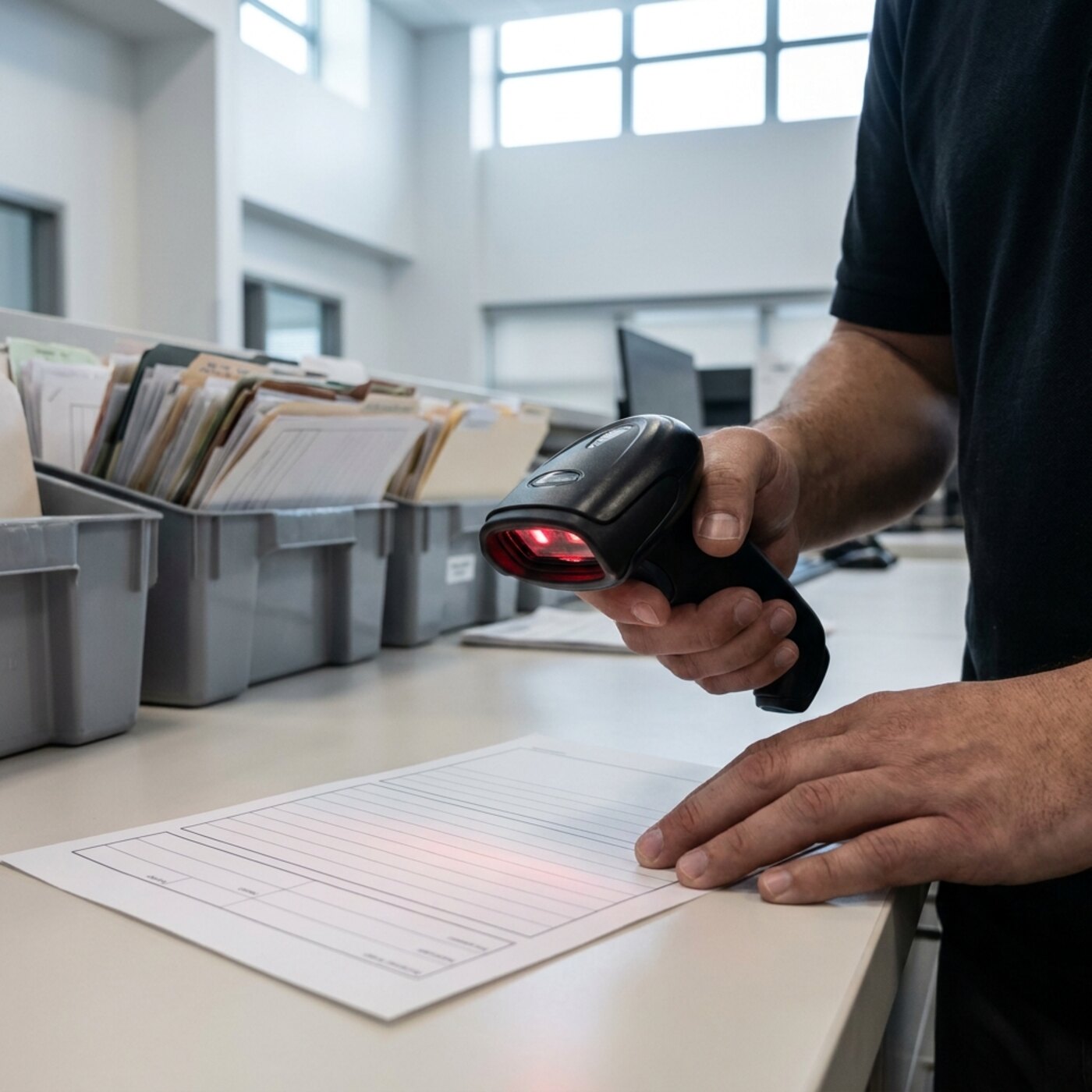
Public programs lose a large amount of staff time to work that does not need to be manual: the same data typed into three systems, a report assembled by hand every month, deadlines tracked from memory. Once a process is understood, much of that can be automated: data entered once instead of three times, reports assembled by the system, reminders sent automatically.
We automate the repetitive tasks and leave decisions that need judgment with staff, so their time goes back to the program's mission. Not every process is worth automating. Some happen rarely or depend on judgment, and are still best done by hand.
We automate routine tasks and leave decisions to staff.
In a public program, automation is meant to take work a system can do off staff, not to replace them. Because we run our own service operation, we know which tasks are safe to hand to software (moving data, assembling routine reports, sending reminders) and which need a person's judgment. Routine tasks run automatically and staff get time back for the program's work. When a process is too rare or depends too much on judgment to be worth automating, we tell you and do not build it.
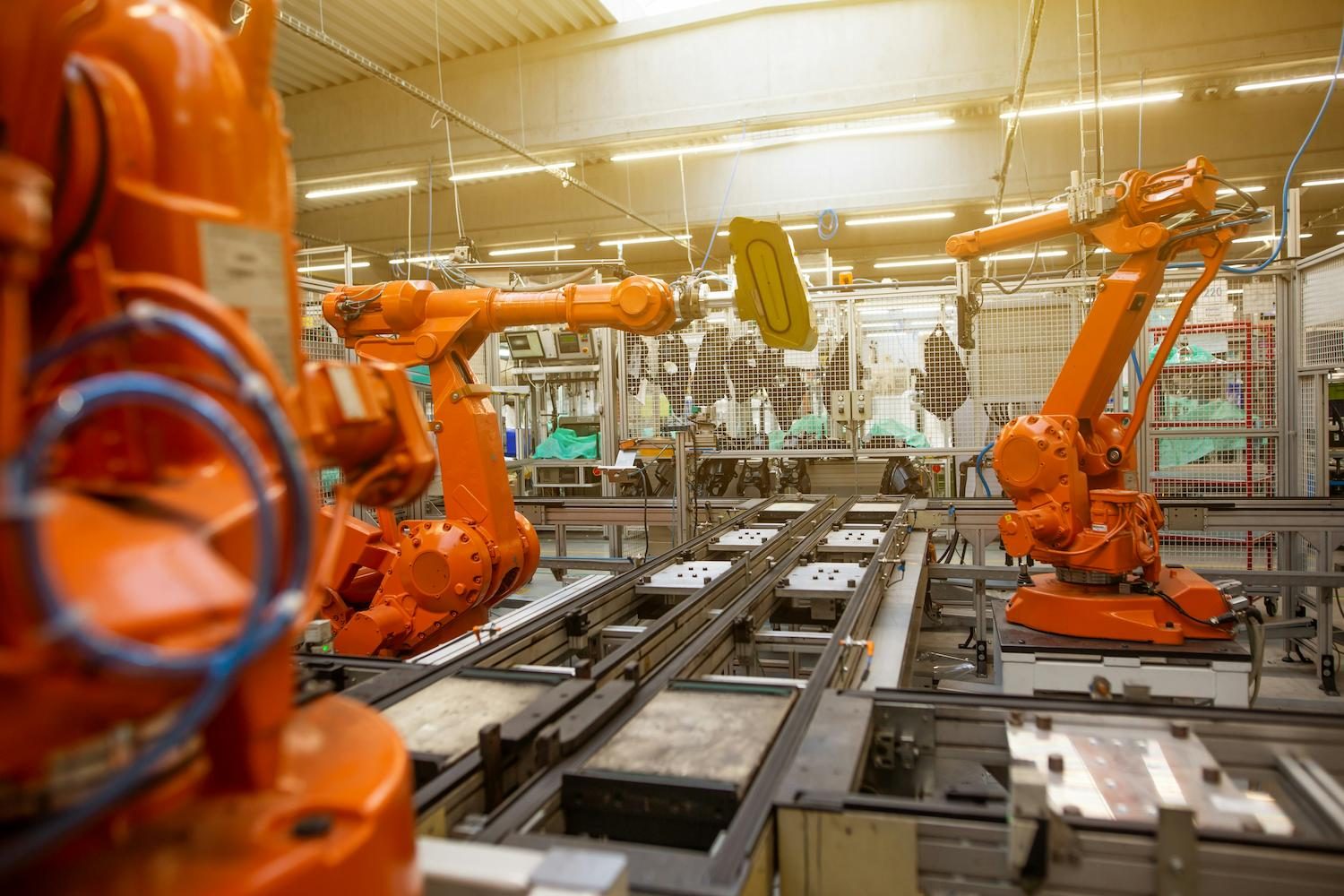
We redesign the process before automating it
We understand and streamline the process before automating any of it, because automating a broken process only produces errors faster. Then we apply vetted tools and standards-based, API-driven integrations, with compatibility testing and a phased rollout. Each recommendation includes a plain-language comparison of cost and effort against the staff time it saves.
- Process analysis, reengineering, and redesign
- The workflow is mapped as it currently runs, then steps are removed or resequenced so that anything automated later is already a sound process.
- Duplicate-entry elimination and workflow automation
- Data that staff now type into several systems is entered once and moved automatically, while decisions that need judgment stay with a person.
- Report and reminder automation
- Routine reports are assembled by the system instead of by hand each month, and deadline reminders fire without depending on someone's memory.
- Standards-based, API-driven system integration
- Existing systems are connected through their published interfaces and tested for compatibility before rollout, with a validated bridge where no clean interface exists.
- Change management, staff training, and performance monitoring
- Staff are trained before go-live, the old process keeps running in parallel during a phased rollout, and performance is tracked once the new one takes over.
- A cost-benefit case for each proposed automation, in plain language
- For each candidate, a short write-up weighs the cost to build and maintain it against the staff hours it would save, including when doing it by hand is still right.
- Post-launch monitoring to catch an automation that drifts or breaks
- After launch we monitor for failures that could otherwise go unnoticed, such as a source system changing its export format or a report that stops running.
Who it’s for
- Duplicate-data-entry burdens
- Manual monthly reporting
- High error and rework rates
- Programs modernizing operations
- Teams tracking reminders and follow-ups by hand
Understand, redesign, automate, support
Pick any part of the sentence to see the detail.
We first map the process as it runs today. Automating a workflow that has not been fixed repeats its mistakes at scale, so we map the process before choosing tools.
We streamline the process itself by removing steps, resequencing work, and cutting duplicate entry, so the process is sound before it is automated.
Each candidate for automation gets a plain-language cost-benefit case (what it costs to build, what it saves in staff time), so you decide whether each automation is worth building.
Vetted automation and standards-based, API-driven integrations take over the mechanical parts (data movement, report assembly, reminders) with compatibility testing and a phased rollout that keeps the service running.
We train staff, monitor performance after go-live, and keep decisions that need judgment with staff. Automation handles the routine tasks, and we keep checking in after launch.
Common questions
Will automation work with the systems we already run?
Working with your existing systems is a design requirement. We favor standards-based, API-driven integrations and test compatibility before rollout. Where a system doesn't expose a clean interface, we build a validated bridge instead of replacing the system. The aim is to connect the systems you have, not to make you buy new ones.
Isn't automating a flawed process just a faster way to make mistakes?
Yes, which is why we redesign first. We understand and streamline the process before automating any part of it, so automation is applied only to a process that has already been fixed.
How do you keep automation from disrupting live services?
Phased rollout with compatibility testing and the existing process running underneath until the new one proves itself. Changes are scheduled around the program's calendar, and staff are trained before go-live, never during it.
Does automation mean cutting staff?
No. Automation takes over repetitive, error-prone tasks so staff can spend their time on the work that needs human judgment. People keep the decisions; the system handles the mechanical work.
How do you decide what's actually worth automating?
With a plain-language cost-benefit case for each candidate: what it costs to build and maintain against the staff hours it would save. Some processes are frequent and mechanical enough that automating them pays for itself quickly. Others are rare or depend on judgment, and are better done by hand. We tell you when that is the case.
What happens after an automation goes live? Do you just walk away?
No. We monitor performance after go-live because automations can stop working without warning: a source system changes its export format, or a report fails without an error message. Post-launch monitoring and a defined support window are part of the engagement, not a separate add-on.
Still have a question? Call (718) 540-8268, or see the public sector operations overview.
If staff are retyping the same data into three systems
- The same record gets keyed into three systems and they never match.
- Duplicate entry usually means systems that were never connected, and the mismatches are its rework cost. We map where each field is first captured, then use standards-based, API-driven integration so it is entered once. Where a system has no clean interface, we build a validated bridge, not a replacement.
- We bought software to fix this once already, and it automated the same problems.
- Automating a process before fixing it rebuilds the workarounds inside new software. GFOA gives finance offices similar advice ahead of a system replacement: start process improvement early. We redesign the flow before automating, and each candidate gets a plain-language case for cost against staff time saved.
- The monthly report runs off one person's spreadsheet, and she retires in the spring.
- That is a continuity risk before it is an efficiency problem, so write the steps down now, whatever you decide about tooling. Some reports are worth automating and some are rare enough to stay manual with a written procedure. A short call can sort which is which, and we say so when building is not worth it.
- The process, step by step, and how often it runs
- Every system and spreadsheet the data touches
- Who in IT approves integrations and vendor access
- Rough staff hours the manual work takes now
- Anyone key to the process who is leaving soon
You can call without all of these. We will work out the rest with you.
More in Public Sector Operations
Tell us what your staff still do by hand.
Duplicate data entry, monthly reports, reminder tracking: list what takes the most time.
Explore other services
All services
Compliance Monitoring & Reporting

Operations Analysis & Improvement

Organizational Development & Change
IT Systems Integration
Cloud Migration & Infrastructure

Custom Software Solutions

Security & Compliance Support

Specialized Government Recruitment

Temporary & Permanent Staffing

Workforce Strategy Consulting

Professional Development & Training

Family Support & Case Management